




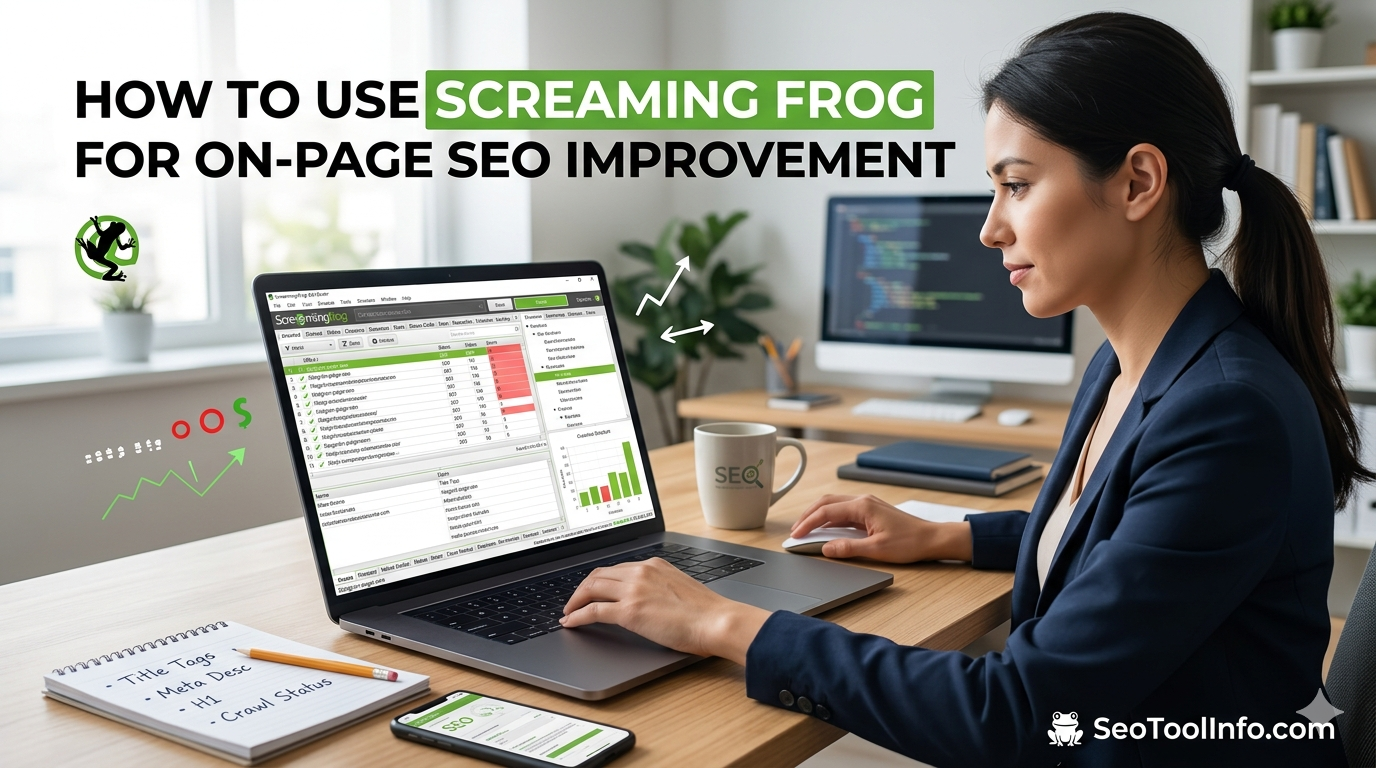
Struggling with on-page SEO? You’re not alone. It’s frustrating to pour hours into creating content only to see it hidden in search results, outshone by competitors. Knowing how to use Screaming Frog to improve on-page SEO might just be your secret weapon. This powerful tool can crawl your website meticulously, pointing out issues you never even knew existed. From missing meta descriptions to broken links, Screaming Frog shines a light on areas begging for improvement. Ready to turn those frustrations into opportunities and boost your on-page SEO like a pro? Let’s get started.
Getting Started with Screaming Frog
Screaming Frog is your go-to tool for site audits. First, download and install the Screaming Frog SEO Spider. It’s free for up to 500 URLs. Open the application. You’ll see the URL bar at the top—type your website’s homepage URL, then hit ‘Start’. That’s it. Crawling begins.
As it runs, the interface fills with data: page titles, meta descriptions, headers. Each tab shows specific elements, like “Response Codes” or “Images”. For example, check for 404 errors. You’ll need to clean those up.

ALSO READ: Is Ahrefs More Accurate Than Moz? A Detailed Comparison
Analyzing and Fixing On-Page SEO Issues
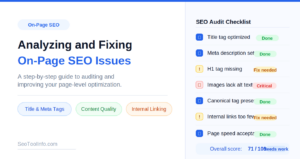
In my experience, Screaming Frog is great for spotting on-page SEO issues. It’s like having x-ray vision for your website. You’ll find broken links, missing meta tags, or duplicate content with just a few clicks. Once, I caught 153 duplicate meta descriptions on a client site. Ouch. Start by running a crawl: broken links are listed under the “Response Codes” tab. You can quickly export them for easy fixes. Checking “Page Titles” and “Meta Descriptions” helps ensure nothing’s missing. Keep it simple, and you’ll spot issues fast.

Optimizing Content and Metadata
Imagine your site as a cluttered store. Screaming Frog is your tidy expert. You’re not alone in finding metadata cryptic, but it’s key to SEO. Use Screaming Frog to spot repetitive titles and meta descriptions. Change them. Make them unique. It’s like giving every product a catchy label. Dive into the “Page Titles” tab — that’s where you start. Found duplicate H1 tags? Fix them. Google loves it when you do. You’ll start seeing improvements in your rankings.
Frequently Asked Questions
What is Screaming Frog used for in SEO?
Screaming Frog is mainly used to crawl your website and gather data on key SEO factors like broken links, duplicate content, and missing metadata. You can crawl up to 500 URLs with the free version, making it a handy tool for quick audits. It gives you a comprehensive overview of your site’s structure to help you identify areas needing improvement.


Can Screaming Frog improve my website’s ranking?
Screaming Frog itself won’t improve your rankings, but it provides the insights necessary to make informed changes. For example, fixing broken links and updating missing H1 tags based on Screaming Frog’s reports can enhance your site’s SEO health. Act on these insights, and you’ll likely see a positive impact on your rankings over time.
Final Thoughts
Screaming Frog can transform how you approach on-page SEO. By focusing on data-driven insights, you’ll identify areas for immediate improvement. Start with a site crawl today and pinpoint those overlooked issues that could be hampering your SEO efforts. Dive into the data, prioritize fixes, and watch your rankings climb. Don’t wait—download Screaming Frog and give it a try right now.