




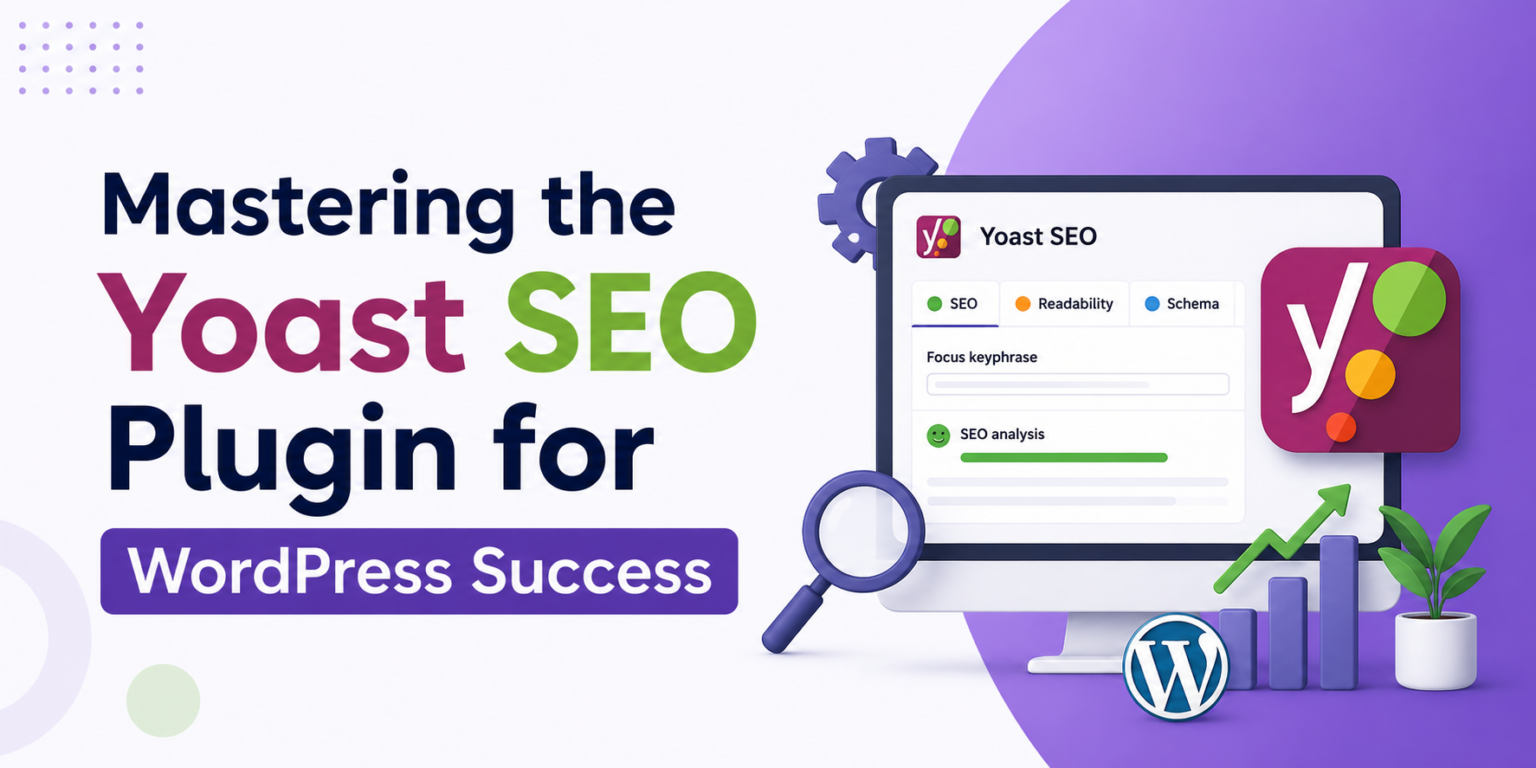
You might think installing the Yoast SEO plugin instantly boosts your WordPress site’s visibility, but there’s more under the hood than meets the eye. This tool is packed with features that go beyond basic SEO tweaks, and if you’re not using them right, you’re missing out. From catching overlooked content gaps to improving your site’s readability, this plugin offers actionable insights you can’t afford to ignore. Ready to discover strategies that’ll actually make a difference? Let’s cut through the fluff and get straight to what’ll elevate your site from okay to outstanding.
What is the Yoast SEO Plugin?
Think SEO is all about stuffing keywords? It’s not. Enter the Yoast SEO plugin, a tool for WordPress users who want simplicity but need technical power. It’s not just for the pros, either. If you’ve ever set up a WordPress blog, you’ve seen this name. Why? Because with over 5 million active installations, it’s trusted. Yoast helps by providing real-time analysis of your posts, guiding you on readability and keyword density. It’s like having a built-in editor that doesn’t sleep.
ALSO READ: Is SEMrush Free? Exploring Your Options

Key Features of Yoast SEO
Yoast SEO doesn’t mess around with fluff. You get straightforward tools that actually help. For starters, readability analysis. Pure gold. It shows you how easy your content is to read, breaking down sentences and paragraphs. Next up, keyword optimization ensures you’re not just mumbling into the void. Write a blog on “best cat toys,” and Yoast ensures you’re on point. Need XML sitemaps? Done. They keep search engines updated. Essential to keep your site search-friendly. You can’t overlook these. They’ll save you. Every time.
Tips for Using Yoast SEO Effectively
Picture this: You’re staring at your website’s dashboard, baffled by why your pages aren’t catching Google’s eye. You’ve installed Yoast SEO, but red and orange lights stare back at you, mocking your efforts. First-stop? Use the readability analysis. If it’s swamped in passive voice and long sentences, it’s time to simplify. You’ll be amazed how much further a clear sentence takes you. Also, double-check meta-descriptions—the sneaky gaps Yoast can’t fully cover are like missing puzzle pieces.

Frequently Asked Questions
Is the Yoast SEO plugin free?
Yes, there’s a free version of the Yoast SEO plugin available that covers most basics like keyword usage and readability. If you’re looking for advanced features like a redirect manager or multiple focus keywords, you’d need to upgrade to Yoast SEO Premium, which costs around $99 per year.
How does Yoast SEO improve site rankings?
Yoast SEO guides you in optimizing your content for search engines by analyzing keyword density, readability, and metadata. It doesn’t directly boost rankings but helps you align better with Google’s criteria; for instance, it’ll flag if your meta descriptions are too long, which can affect click-through rates.


Final Thoughts
Understanding the Yoast SEO plugin is your ticket to improving your WordPress site’s visibility. The key takeaway: consistently use the plugin’s features to optimize your content, making sure each post meets those green light criteria. Why not open your WordPress dashboard right now? Spend a few minutes tweaking an existing post using Yoast’s suggestions, and you’ll immediately see how it guides you toward SEO success.