




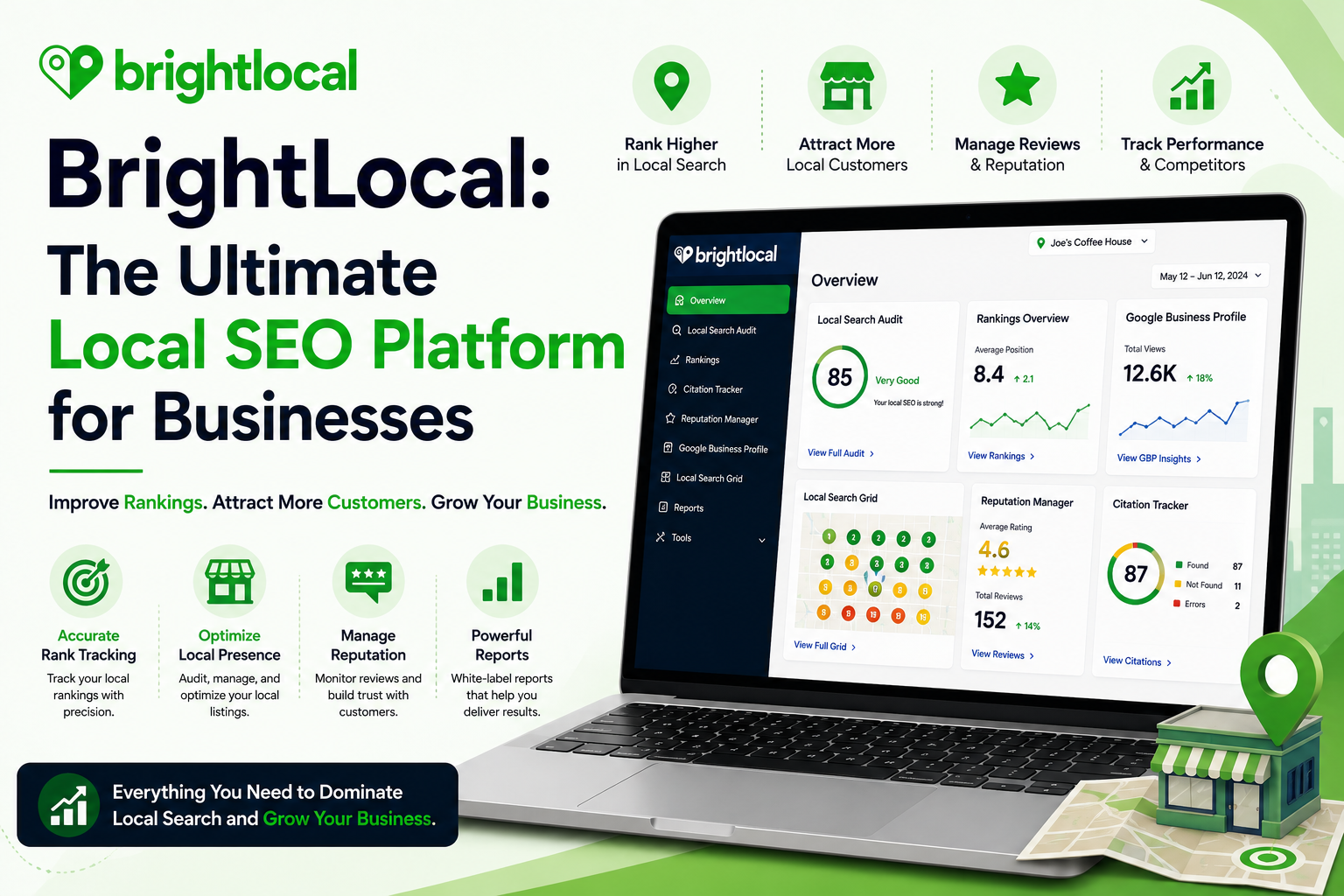
If you’ve ever struggled to boost your small business’s online presence, you’re not alone. Many find local SEO a complex and overwhelming challenge. That’s where BrightLocal comes in, offering a suite of tools designed to simplify this process. Whether it’s tracking rankings, managing reviews, or auditing local citations, these features aim to make life easier. You’ll find it invaluable if you’ve ever felt lost in the sea of SEO tactics. Ready to explore how BrightLocal might be the solution you’ve been searching for? Let’s break down its capabilities and see if it truly meets your needs.
What is BrightLocal?
With over 3,000 businesses using it, BrightLocal stands out as a powerful local SEO tool tailored for your needs. It’s designed to help you manage your online presence across directories and local search engines. Picture this: you’re responsible for multiple business locations. Using its Local Search Audit, you can quickly assess how each site performs. Plus, the Reputation Manager ensures that customer reviews don’t slip through the cracks. BrightLocal’s got your back, simplifying local SEO so you don’t have to juggle everything alone.
ALSO READ: Scalenut: A Practical Review of the SEO Tool

BrightLocal SEO Features
Imagine running a local bakery, just like Lisa’s in Portland. How do you make sure locals know where to find you? That’s where BrightLocal’s tools shine. Local citation building ensures your shop’s info appears on over 1,400 directories. Rank tracking shows where you stand in Google searches — crucial when people are looking for “best cupcakes in Portland”. Review management? It’s a game-changer. With tools for monitoring customer feedback, you can polish your bakery’s reputation and attract more cake lovers.
Moz Local vs BrightLocal
Imagine you’re running a local bakery and need to get listed on various directories. Moz Local offers directory submissions for $14 per location monthly. Straightforward but limited. BrightLocal, though, gives you a dashboard packed with extra SEO tools — like Reputation Manager — all for $29 per month. You’re paying more, but you get more. It’s about choice. Need just listings? Moz fits the bill. Want the whole SEO shebang? That’s BrightLocal. Think about what you really need. And maybe what you don’t.
Frequently Asked Questions
Is BrightLocal suitable for small businesses?
BrightLocal is quite suitable for small businesses because it offers tools that help manage local SEO efficiently without breaking the bank. One feature you’d find handy is their local search grid, which lets you see how your business ranks in specific areas. Also, the reporting is straightforward, so you don’t need to be an SEO expert to understand what’s happening with your online presence.
How does BrightLocal’s pricing compare to Moz Local?
You’ll find that BrightLocal tends to be more affordable than Moz Local, especially if you’re just starting out. BrightLocal’s basic plan begins at $29 per month, while Moz Local starts at $129 per year, making BrightLocal a more budget-friendly option for those needing multiple features. It’s worth considering what specific tools you need, though, as both platforms offer slightly different services.
Final Thoughts
BrightLocal stands out for its intuitive tools tailored to boost your business’s local SEO presence efficiently. If you aim to refine your local search strategy and draw in more local customers, give BrightLocal a test run. Sign up for their free trial today and see firsthand how it can elevate your visibility. Embrace this step and watch your business grow in the local market.