




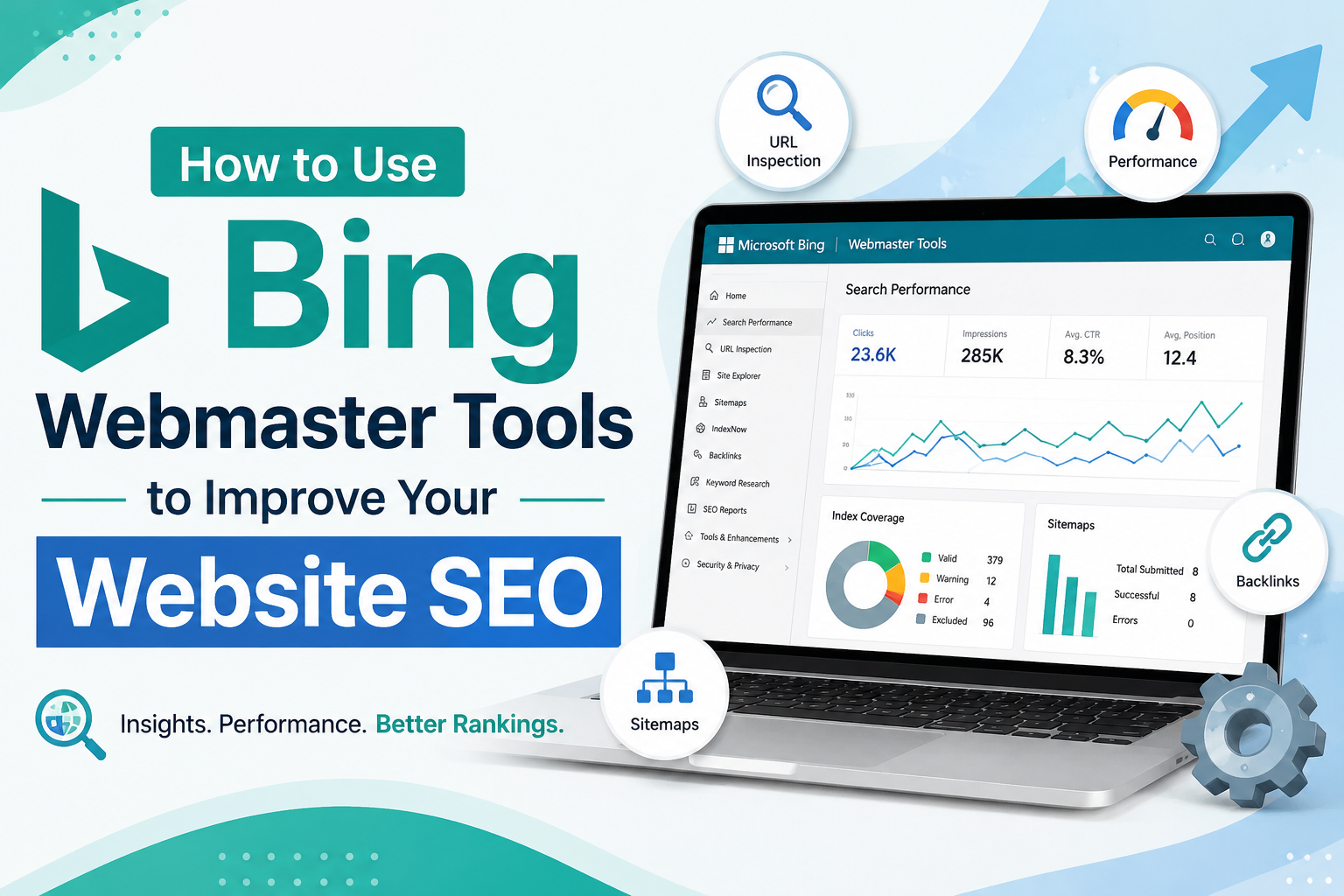
You’ve just spent three hours trying to figure out why your website isn’t performing well on Bing, and it’s driving you nuts. Enter Bing Webmaster Tools, a powerful ally in optimizing your site’s visibility. If you’ve been scratching your head over analytics or search visibility, you’re not alone. By the end of this guide, you’ll navigate this tool with confidence. It’s more than just numbers; it’s your roadmap to better Bing rankings. Ready to uncover the secrets to maximize your site’s potential? Let’s get started and transform those search struggles into successes.
Getting Started with Bing Webmaster Tools
Setting up Bing Webmaster Tools is more straightforward than you’d think. First, sign up using your Microsoft account. Don’t have one? No problem, creating one is quick.
In my experience, verifying your site with an XML sitemap is simplest. Just upload it, and Bing takes it from there. Suddenly, your dashboard’s alive with data. Traffic insights, search appearance, and even keyword performance. The strange part? Seeing which countries are visiting your site. Vietnam? Fascinating.

ALSO READ: Keywordly: The SEO Tool You Didn’t Know You Needed
Navigating the Bing Webmaster Tools Submission Process
Getting your site onto Bing? Not a Herculean task. First, sign in using a Microsoft account. You’ll find yourself greeted by Bing Webmaster Tools. Add your website URL. Verification? Use an HTML file or a meta tag in your site’s header. Real deal: tag it with “bing-site-verification”. Next, submit your sitemap via the “Sitemaps” section. Consider it your site’s roadmap for Bing’s bots. Without a sitemap, you’re flying blind. Keep tabs on crawling stats and indexing issues. It’s your digital compass.

Key Features to Boost Your Site’s Performance
Picture this: you’ve optimized your content, but your site’s traffic isn’t moving. Enter Bing Webmaster Tools. One standout feature? The SEO reports. They identify errors, offering you actionable insights to adjust your strategies. Imagine spotting a missing meta tag that’s holding you back. That’s power. Performance insights go further, showing which keywords users are actually searching. You’re armed with data. Use it. Make tweaks that transform visibility. It’s like having a map when you’re lost in the woods.
Frequently Asked Questions
How do I verify my website with Bing Webmaster Tools?
You need to add your website’s URL to Bing Webmaster Tools and download the provided HTML verification file. Upload this file to your website’s root directory, then click ‘Verify’ back in the tool to confirm ownership. It’s also possible to verify with a meta tag or through DNS if that’s easier for you.


What are the benefits of using Bing Webmaster Tools?
Bing Webmaster Tools offers insights into how Bing sees your site, which can help you improve visibility and performance in search results. You can access detailed reports like ‘Search Performance’ to see keyword rankings and ‘Site Explorer’ to analyze your site’s structure. You’ll also get alerts for any issues Bing encounters while crawling your site.
Final Thoughts
Getting comfortable with Bing Webmaster Tools can significantly enhance your site’s visibility and performance on Bing. It’s not just about submitting a sitemap; it’s about using the data and insights available to optimize your site’s search rankings effectively. So, pick one feature you haven’t tried yet—like URL inspection or keyword research—and give it a go today. Your site’s Bing presence might just see an improvement.